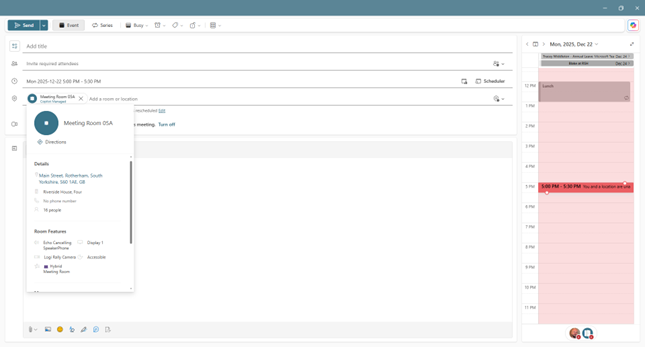
Use Teams or Outlook to add a Microsoft Teams Room to an existing meeting
- Open the meeting in Teams or Outlook on your personal device.
- Add the room name (it's on the console) to the participants list or find the room using Room finder in the meeting scheduler (available in Outlook) and send the update.
- If the meeting is accepted, it will appear on the console.
- Select the meeting on the console to join.